Generate product descriptions, images, categories and tags for one product — or hundreds at once. Connect any AI provider through WordPress's own built-in AI Client and keep full control over what gets published.
Works with OpenAI · Gemini · Claude — via WordPress's built-in AI Client
From €29/year — no AI credits, no markup, nothing overwritten without your say-so
Select 200 products → Fill missing AI content → leave the browser → come back to a completed catalog.
For catalogs with dozens or hundreds of products missing a description or photo: select the ones you want (or all of them) and run one bulk action. Everything is processed in the background — you don't need to keep the tab open.
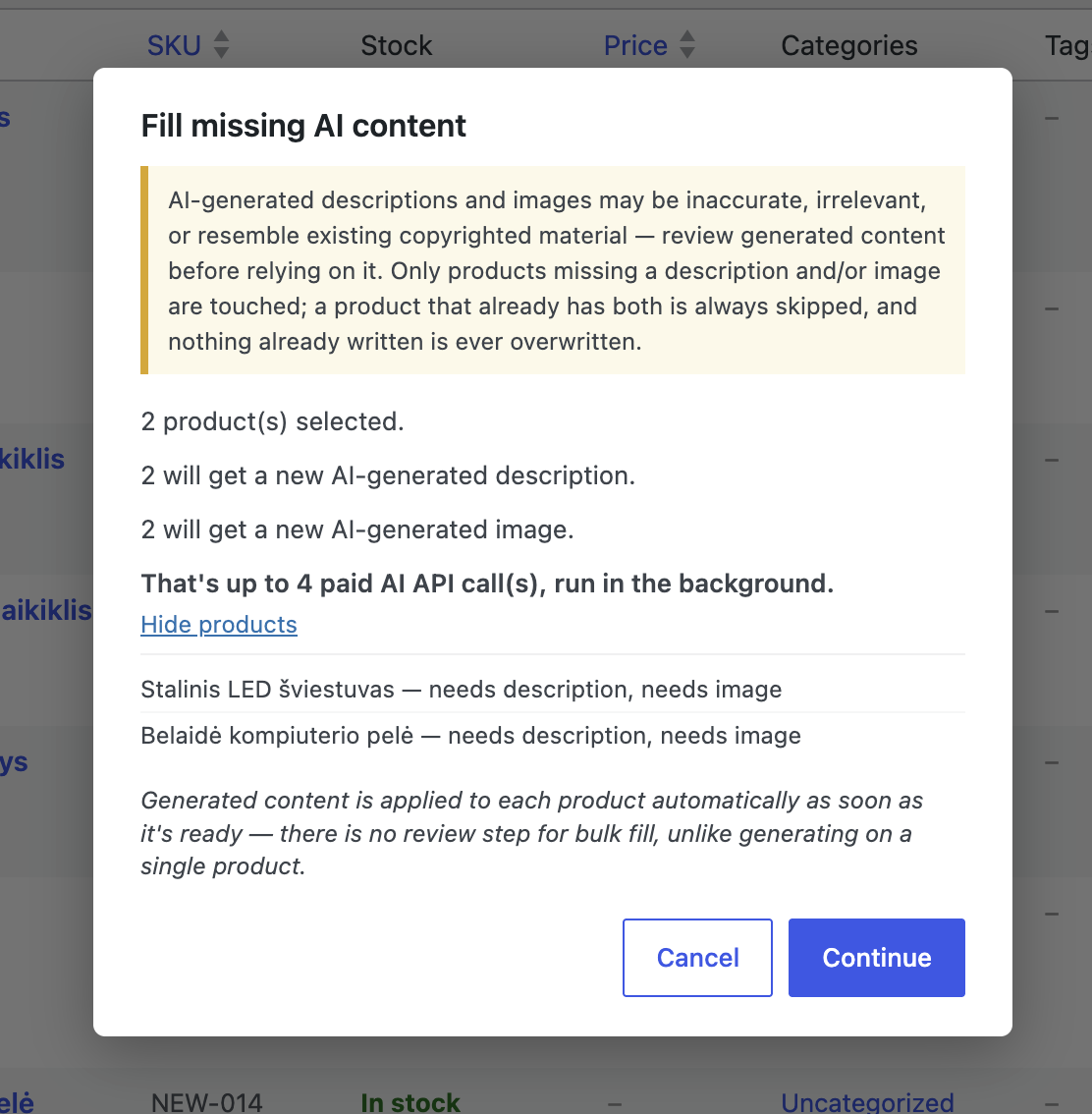
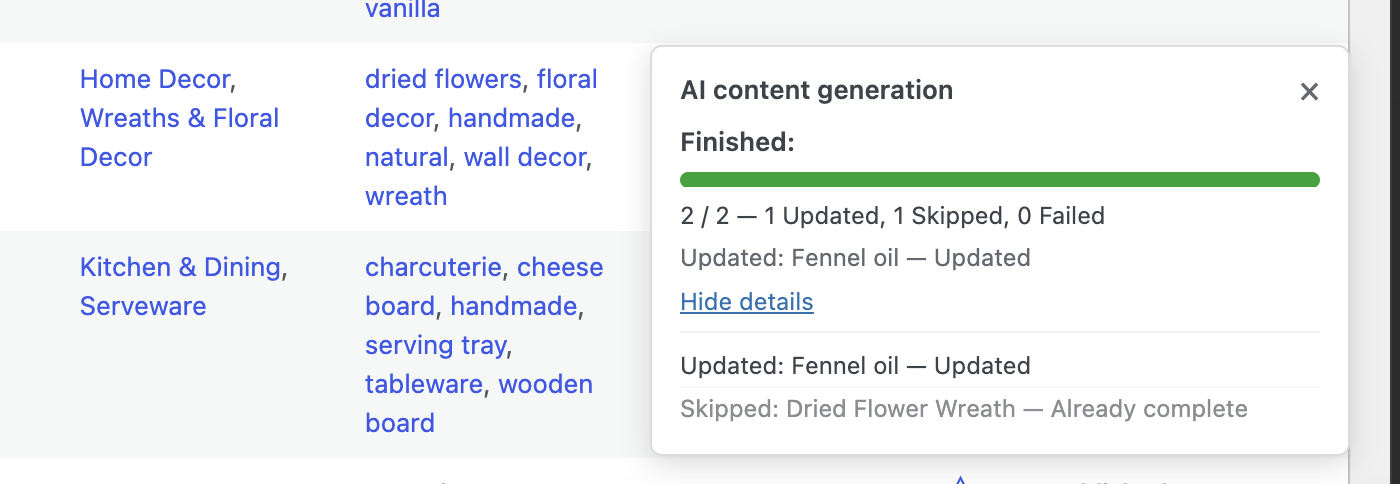
"Fill what's missing. Keep what you've already written."
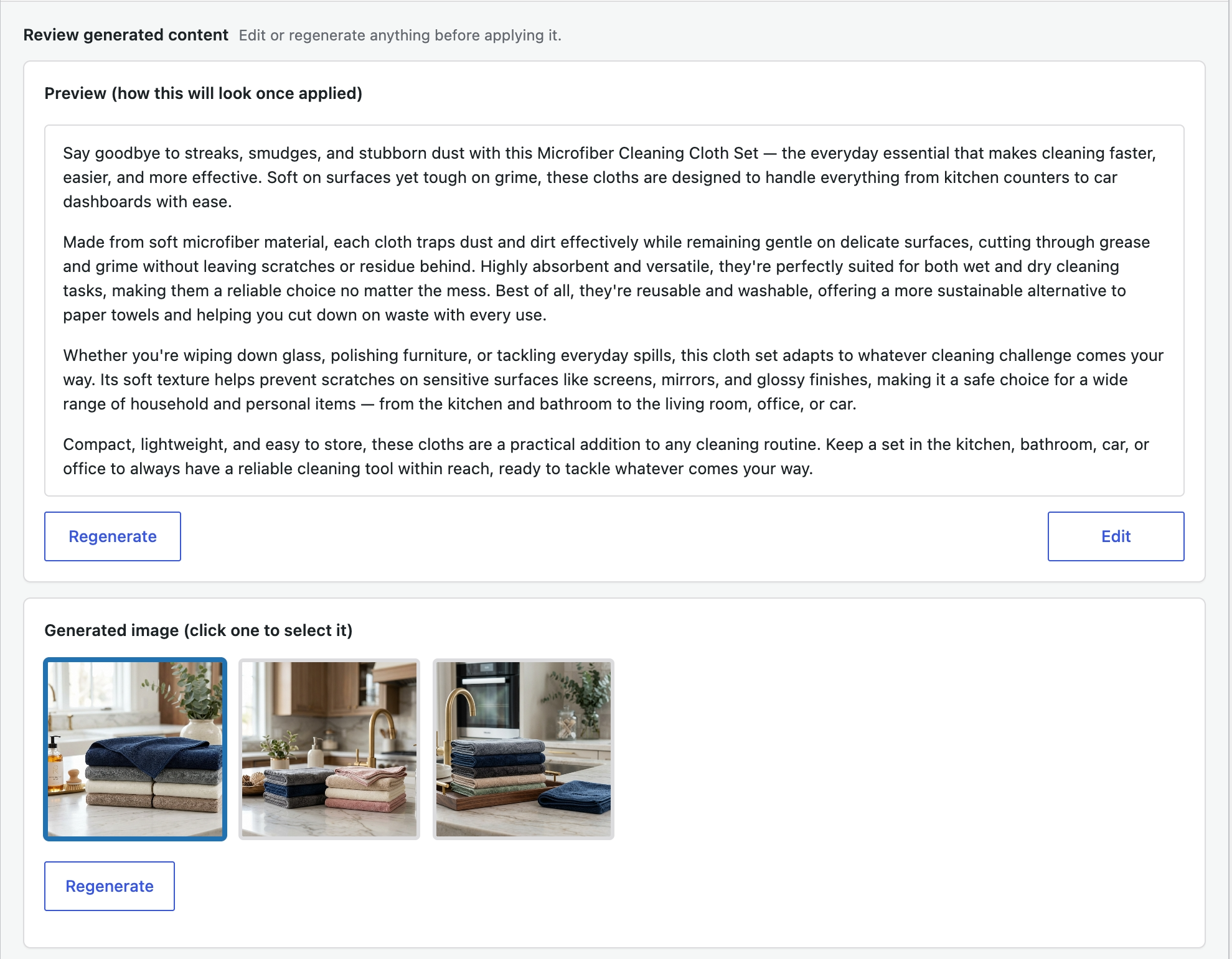
Prefer to work product by product? Open any product and generate exactly what you need — a description with an optional feature list, a photo in a style you describe, or both.
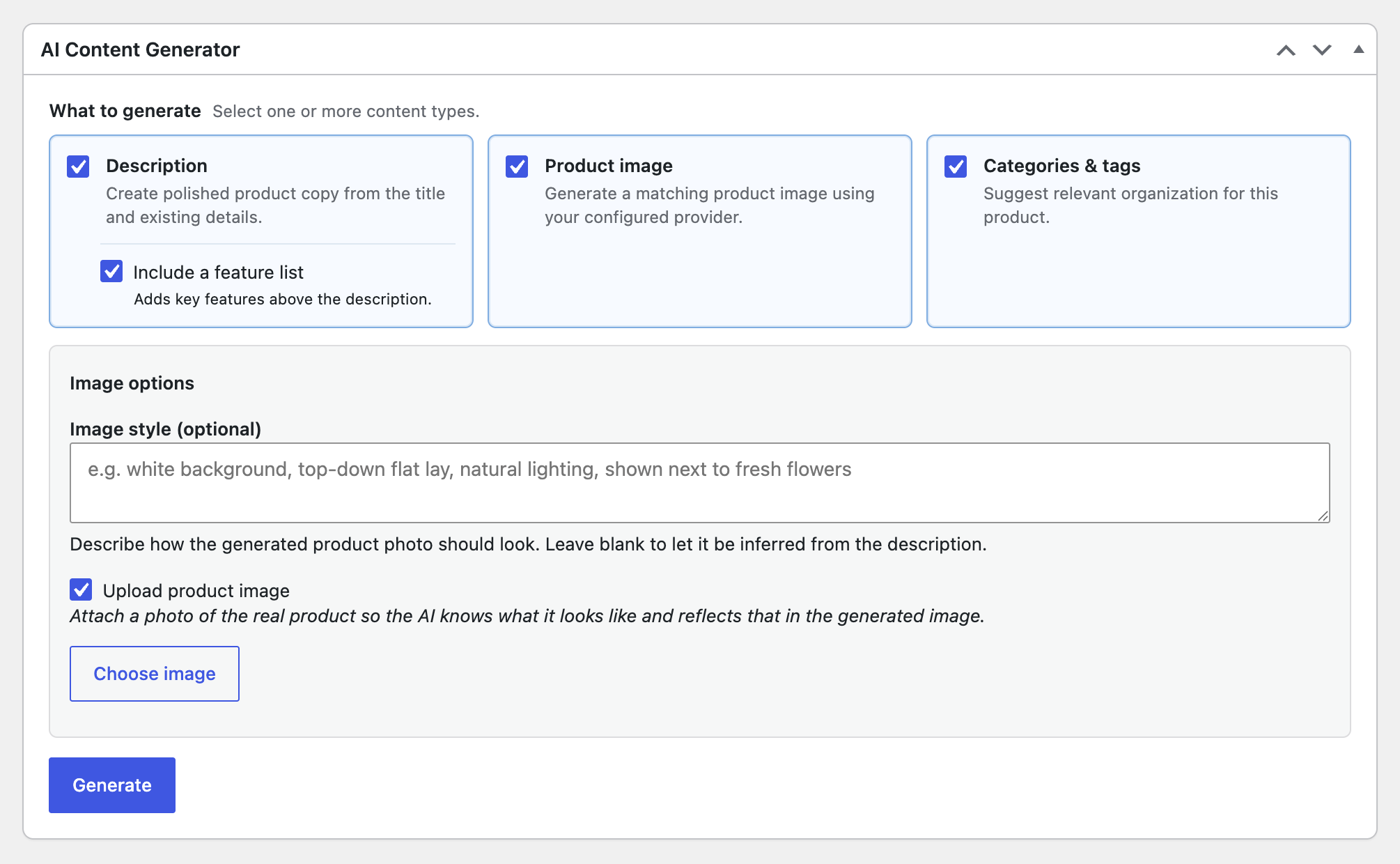
Generate a product photo from the description, or upload a real reference photo and let the AI match it. No style specified defaults to a staged, upscale look — and you're never stuck with a single result.
Turn on category & tag suggestions and the plugin proposes relevant WooCommerce categories — reusing one of your existing categories when it fits, or proposing a new one when nothing does — plus tags, shown as checkable chips before anything is applied.
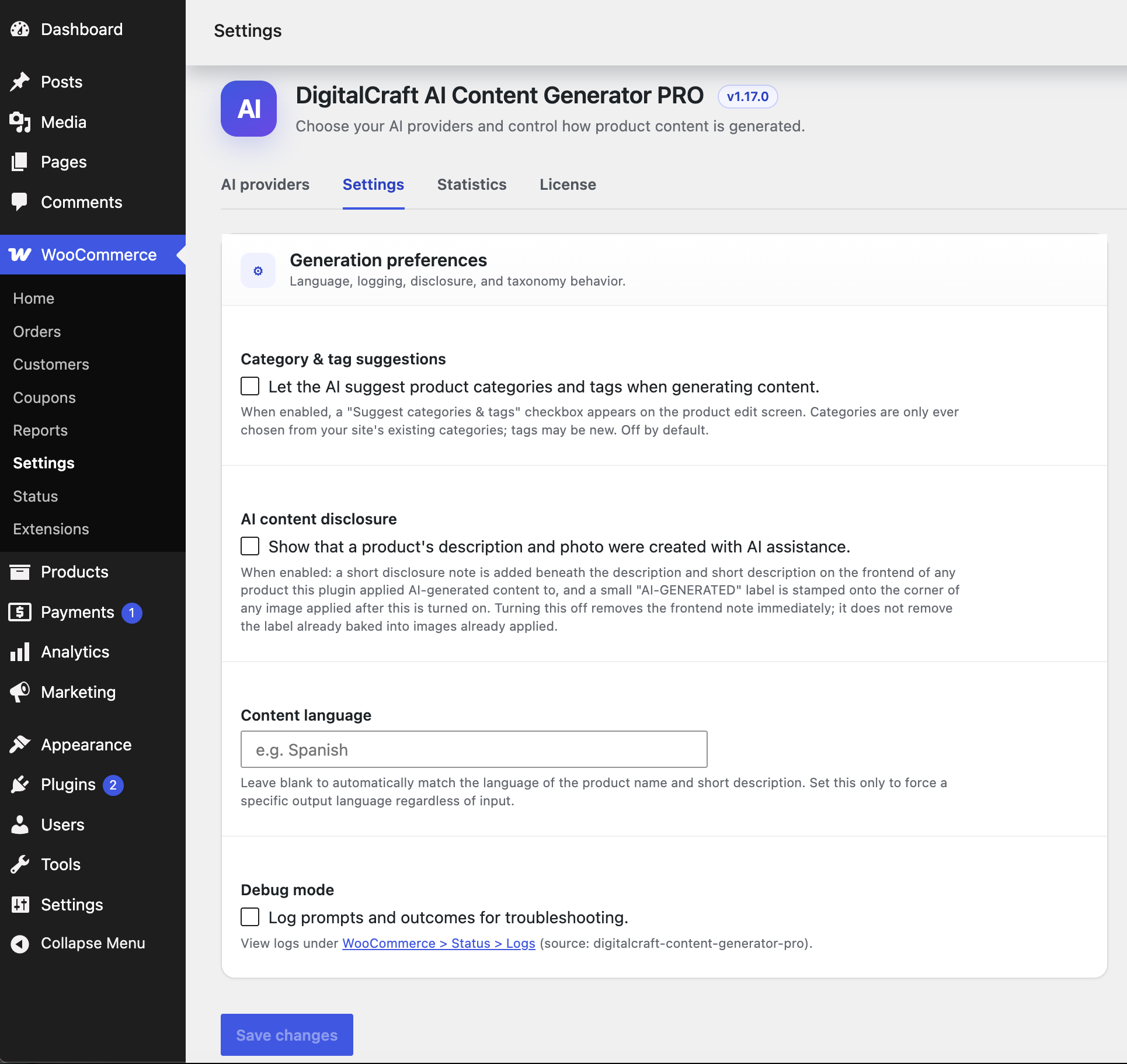
Generation runs through WordPress's own built-in AI Client (WordPress 7.0+) — connect OpenAI, Google Gemini, Anthropic Claude, or any other AI Client-compatible provider once under Settings > Connectors, then pick it here. You pay that provider directly for what you use — we don't sell a markup of "AI credits" you have to guess the value of.
Pick a different connected provider for text and for images if you like. This plugin never stores or sees your API key — that's the Connector plugin's job, shared with any other AI Client-compatible plugin on your site.
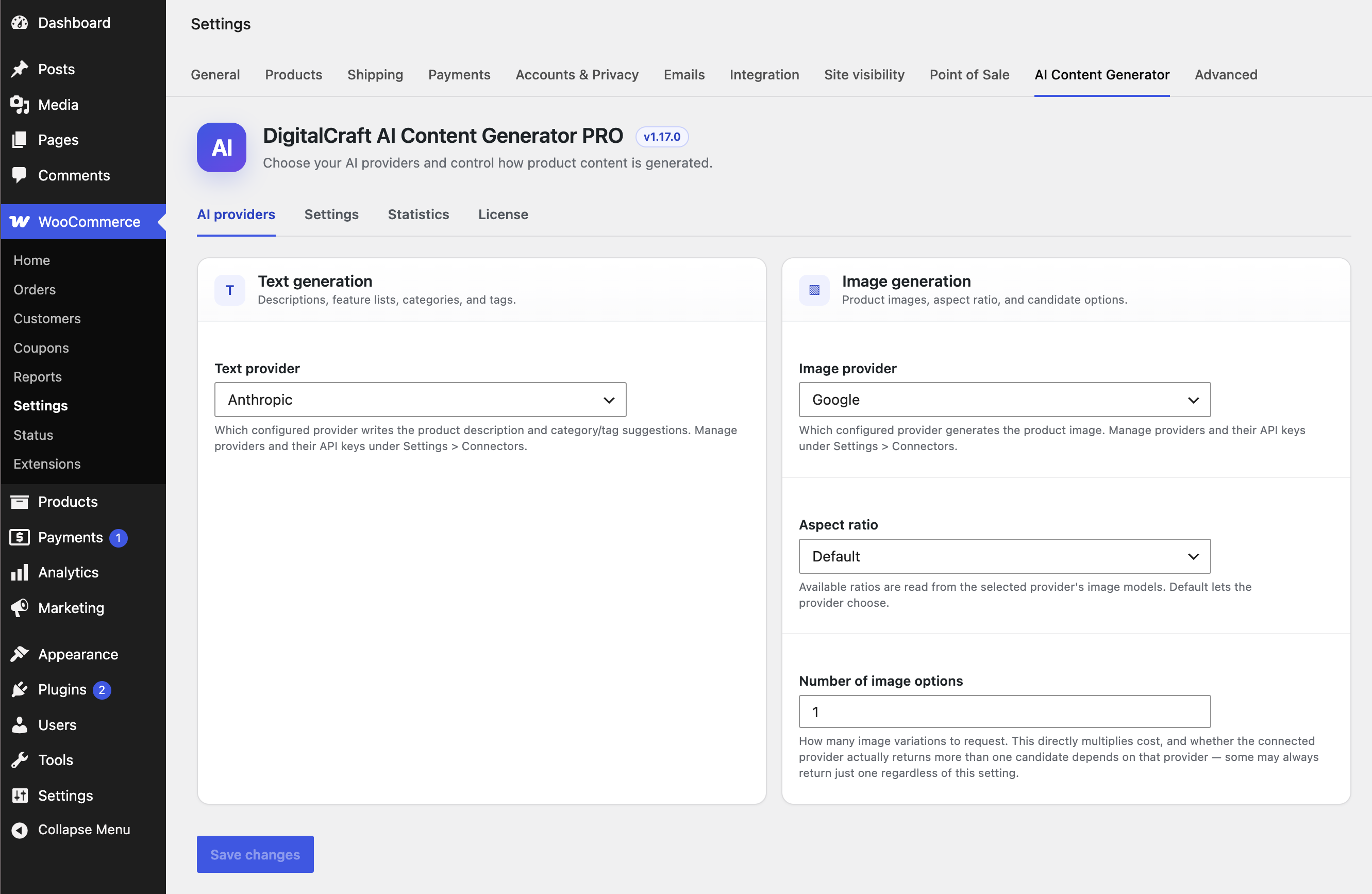
Single product: generating something never commits it on its own — only what you check gets written to the product.
In bulk: only genuinely missing content is filled in. A product that already has a description keeps it untouched even if its image is missing, and a product with both is skipped entirely. A real advantage for a store that already has a partially completed catalog — though generated content is applied automatically as each product finishes, without the single-product review step above.
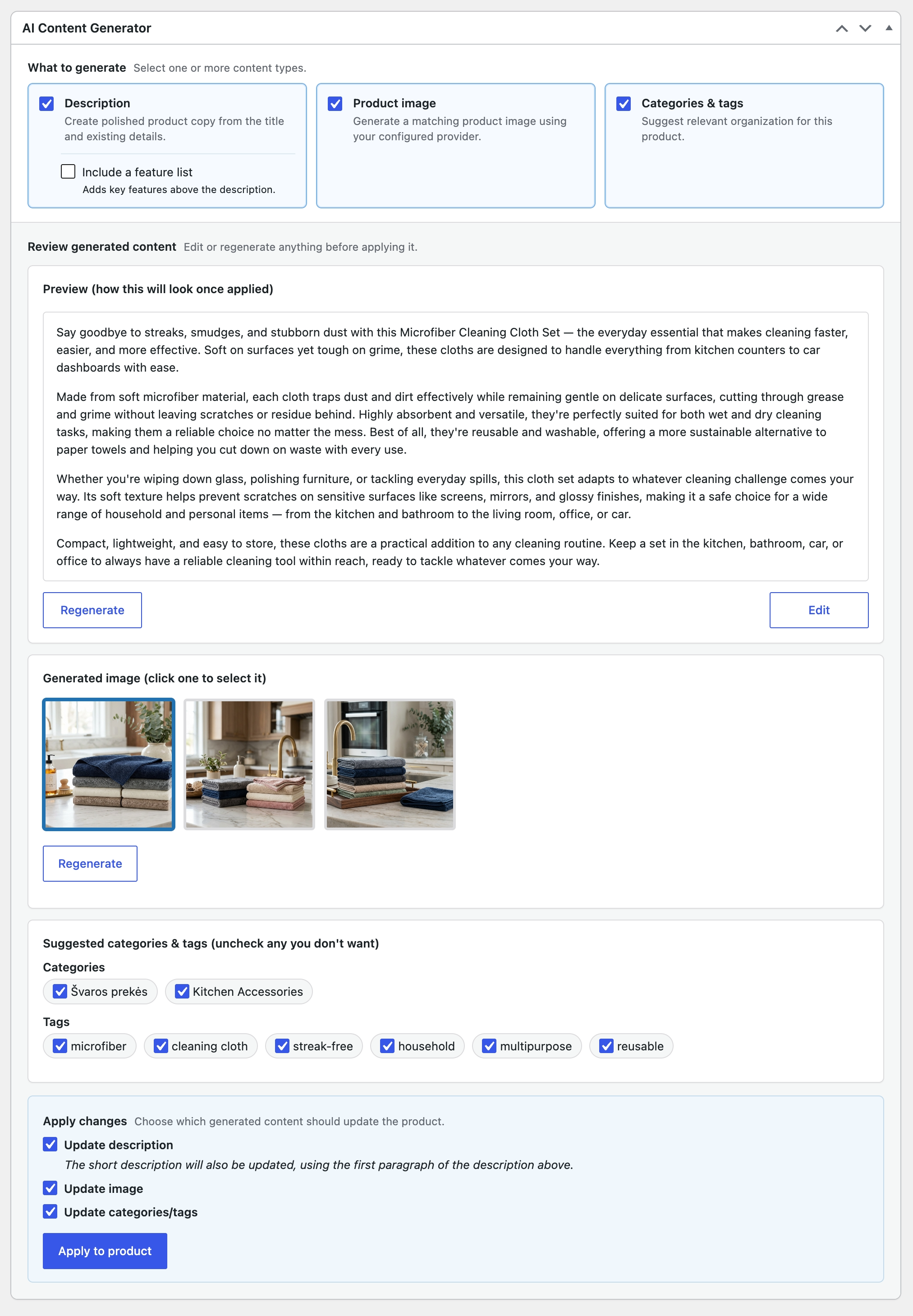
The Statistics tab logs every generation request — provider, tokens used, images generated — with simple charts and totals, so you always know what you're actually using.
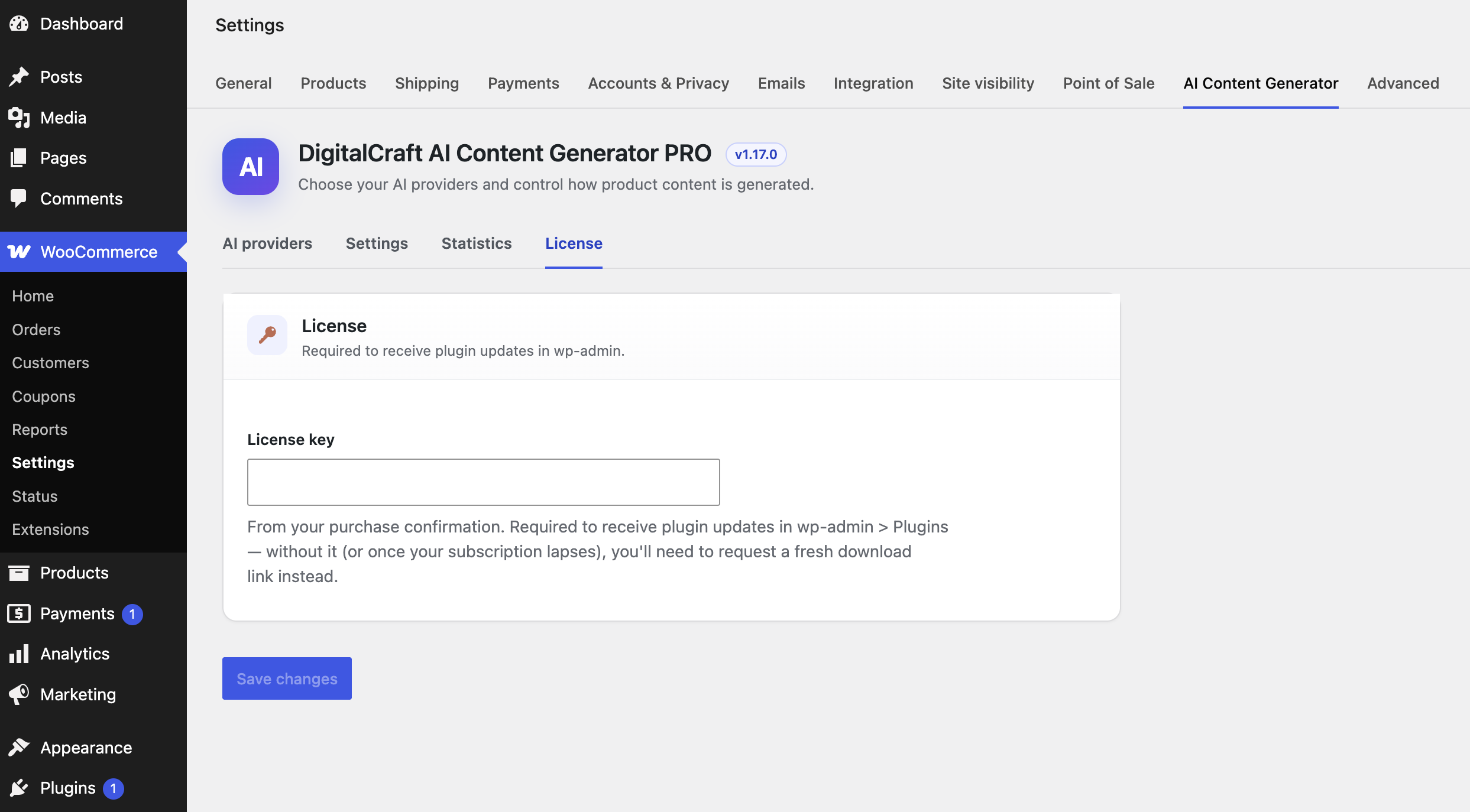
Enter your license key once under Settings > AI Content Generator > License, and new versions show up as a native "Update available" notice in wp-admin > Plugins — no manually re-downloading a zip every time something ships.
If an update ever doesn't appear, "Check license status" reports the specific reason (expired subscription, site-limit reached, etc.) instead of a vague "Automatic update is unavailable."
Pay once, use it forever — no yearly renewal. Scoped to 1 site, same as Personal / Business.
Not ready to commit? Try the free Lite version first — single-product description and image generation, no license required.
Prices don't include AI provider usage — you're billed separately and directly by OpenAI, Google, or Anthropic for what you generate.
Yes. Connect an AI provider (OpenAI, Google, Anthropic, or any other AI Client-compatible provider) under WordPress's own Settings > Connectors, and you're billed directly by that provider for what you generate. The license fee only covers the plugin itself.
WordPress 7.0 or newer (for its built-in AI Client) with WooCommerce active, plus at least one AI provider connected under Settings > Connectors. This plugin never sees or stores your API key — that's the Connector plugin's responsibility.
No. In bulk mode, only genuinely missing content is filled in — anything you've already written is left untouched. In single-product mode, nothing is saved until you review the result and explicitly click Apply.
Tested with WooCommerce 8.0, 9.0, 10.9, and 11.0, including compatibility with High-Performance Order Storage. The plugin only reads and writes product data — never order data.
Yes — explore a live WooCommerce store built with the plugin at demo.bmdigitalcraft.com, no signup required. Or install the free Lite version on your own site — single-product generation, no license required.
Each plan covers a set number of WordPress sites — see the pricing above. Settings (connected provider, aspect ratio, etc.) are stored per site and don't carry over automatically if you move the plugin to a different install; connected AI providers live with the Connector plugin, so those move separately too.
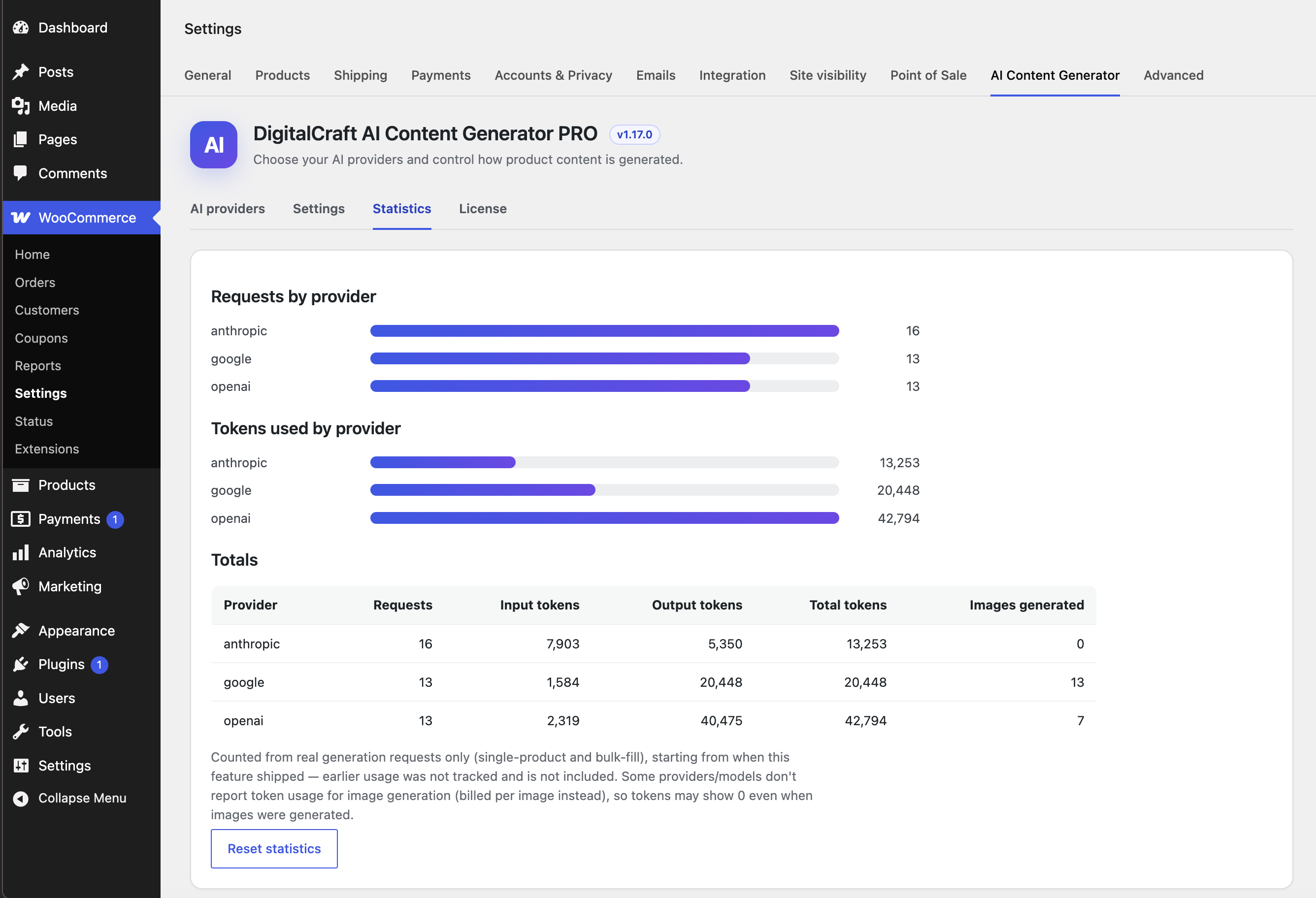
Optionally. Turn on AI content disclosure and a short note appears beneath the description on the frontend of any product the plugin touched, plus a small "AI-GENERATED" label stamped into the corner of any applied image.
Read the documentation for setup, provider configuration, and troubleshooting.
 BM Digital Craft